Literally SPRUNKI Characters and Stage Roles
Know what each voice does before you stack the full loop.
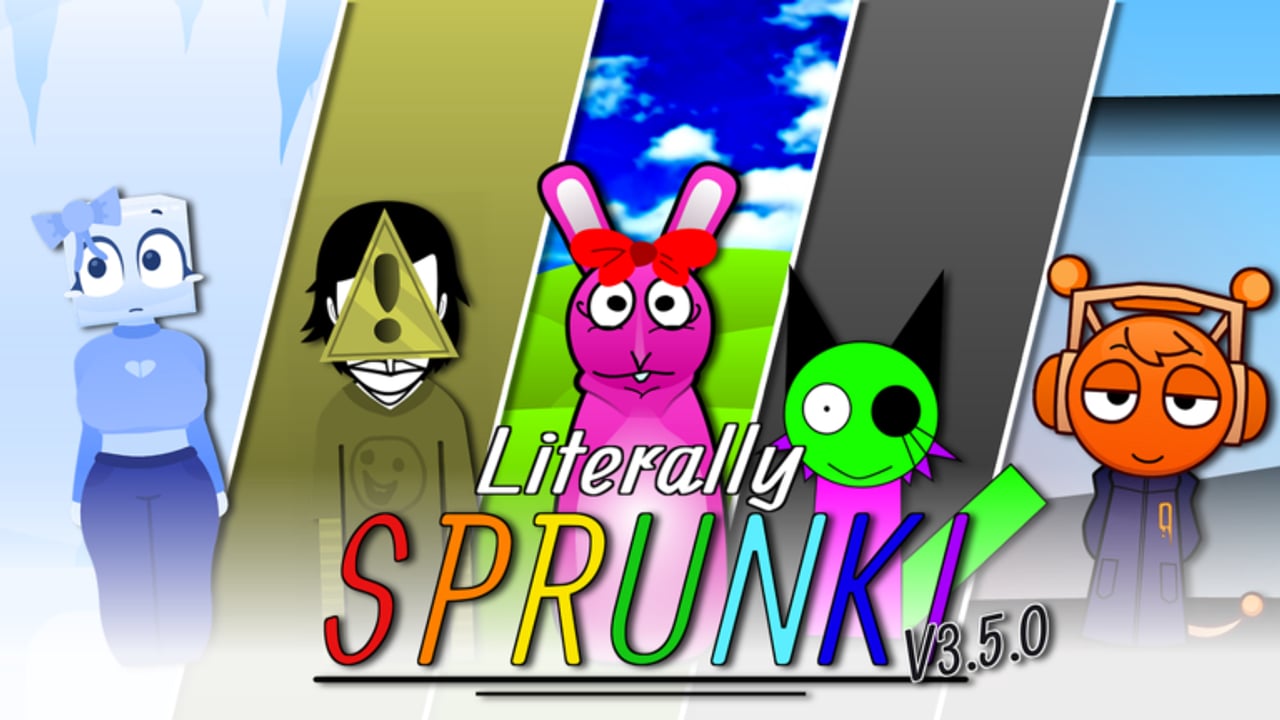
Literally SPRUNKI is built around its cast. Every character you drop on the stage adds a loop layer—some drive rhythm, some color the mix with effects, some carry melody, and some supply vocals or talk-box style hooks. This Characters Hub explains that role language so you can browse the roster without treating every icon as interchangeable.
The experience is a Roblox music mixer (released 2024-12-07, version 3.6.0, maxPlayers 6, no shared raid objective). Expanding who you can place comes from playtime modes and optional gamepasses such as Bonus Characters and x2 Characters, not from codes or scripts. Badge goals are covered on Badges.
Role language on the stage
Think in four practical buckets while you arrange:
- Beats — pulse, drums, and low-end patterns that lock tempo. Too many stacked beats fight each other; one clear rhythmic anchor usually helps.
- Effects — textures, stabs, risers, and ear-candy that sit around the groove. Effects shine when beats and melodies already have space.
- Melodies — motifs and lead lines listeners hum later. Swap melodies to change the emotional center without rebuilding the whole rack.
- Vocals — sung or spoken hooks, choirs, and character voices that sit on top. Vocals often define whether a mix feels playful, eerie, or chaotic once you enter Horror or Pyramixed.
Individual characters can blur these lines, but the buckets keep early mixes readable. Detailed per-character notes belong on the character roster.
Core cast you will meet early
Expect familiar Sprunki-inspired names on the board, including Oren, Raddy, Clukr, Fun Bot, Vineria, Gray, Brud, Garnold, OWAKCX, Sky, Mr. Sun, Durple, Mr. Tree, Simon, Tunner, Mr. Fun Computer, Wenda, Pinki, Jevin, and Black. Exact availability can grow with Bonus Characters, x2 Characters, and numbered updates—always confirm in-game after a patch.
Credits for the wider creative lineage include originals associated with Sprunki / Sprunked / Pyramixed creators such as nyankoBFlol, nonnie0474, and Pyramix. This Roblox place is run under group crowned7885 with lead legit_vib (contributor R_299P, tester NexusDynamic).
How to study the cast efficiently
- Open Normal mode and place only a beat plus one melody. Listen for clash versus pocket.
- Add a single effect, then a vocal. Mute layers to hear who owns each frequency range.
- Rebuild the same idea in Horror and Pyramixed once unlocked so you learn how presentations recolor the same roster.
- Cross-check opinionated strength calls on the Tier List hub—those ranks are about mix quality and flexibility, not PvP.
- Apply habits from Mixing Tips when a stage feels crowded.
Passes that change the roster experience
- Bonus Characters (131 Robux) — more voices to audition when Normal feels solved.
- x2 Characters (189 Robux) — doubles placement options for denser or mirrored arrangements.
- Instant Horror / Instant Pyramixed — do not add characters by themselves; they change which presentations you can hear the cast through.
Full pricing context sits with the gamepasses write-up inside the Codes section (remember: no promo codes exist).
Where to go next
- Character roster — name-level browsing and role hints.
- Tier List hub — S–F style guidance for building stronger loops.
- Mixing Tips — practical arrangement habits tied to these roles.
Keep this hub bookmarked when a friend asks “who should I put down first?” Point them at roles first, names second, and Robux last.
Frequently Asked Questions
Quick answers about modes, mixes, gamepasses, and common player questions.
Is this a combat or raid roster?
No. Literally SPRUNKI is a music mixer. Characters are stage layers, not combat units—even when a server has more than one person.
How are characters grouped on this wiki?
By practical mix roles—beats, effects, melodies, and vocals—with full names on the character roster page.
Do I need Bonus Characters to enjoy the game?
No. The base cast is enough to learn. Bonus and x2 passes add options after you know which roles you want more of.
Where can I see who is "best"?
Use the Tier List hub for mix-quality tiers and Mixing Tips for how to combine roles without clutter.